How AREA works, the AI video analysis software
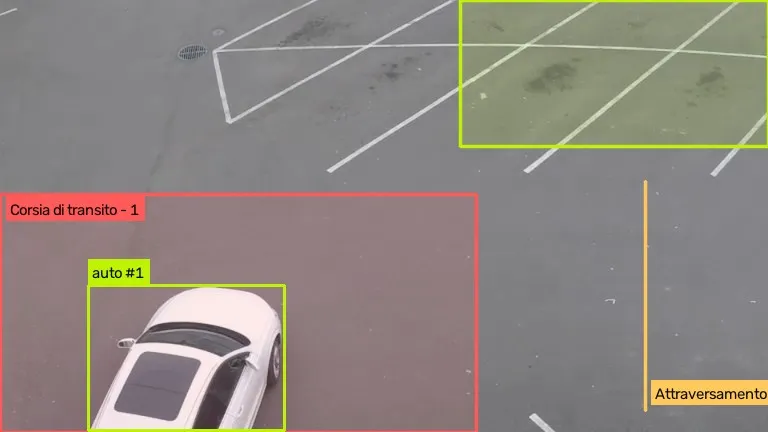
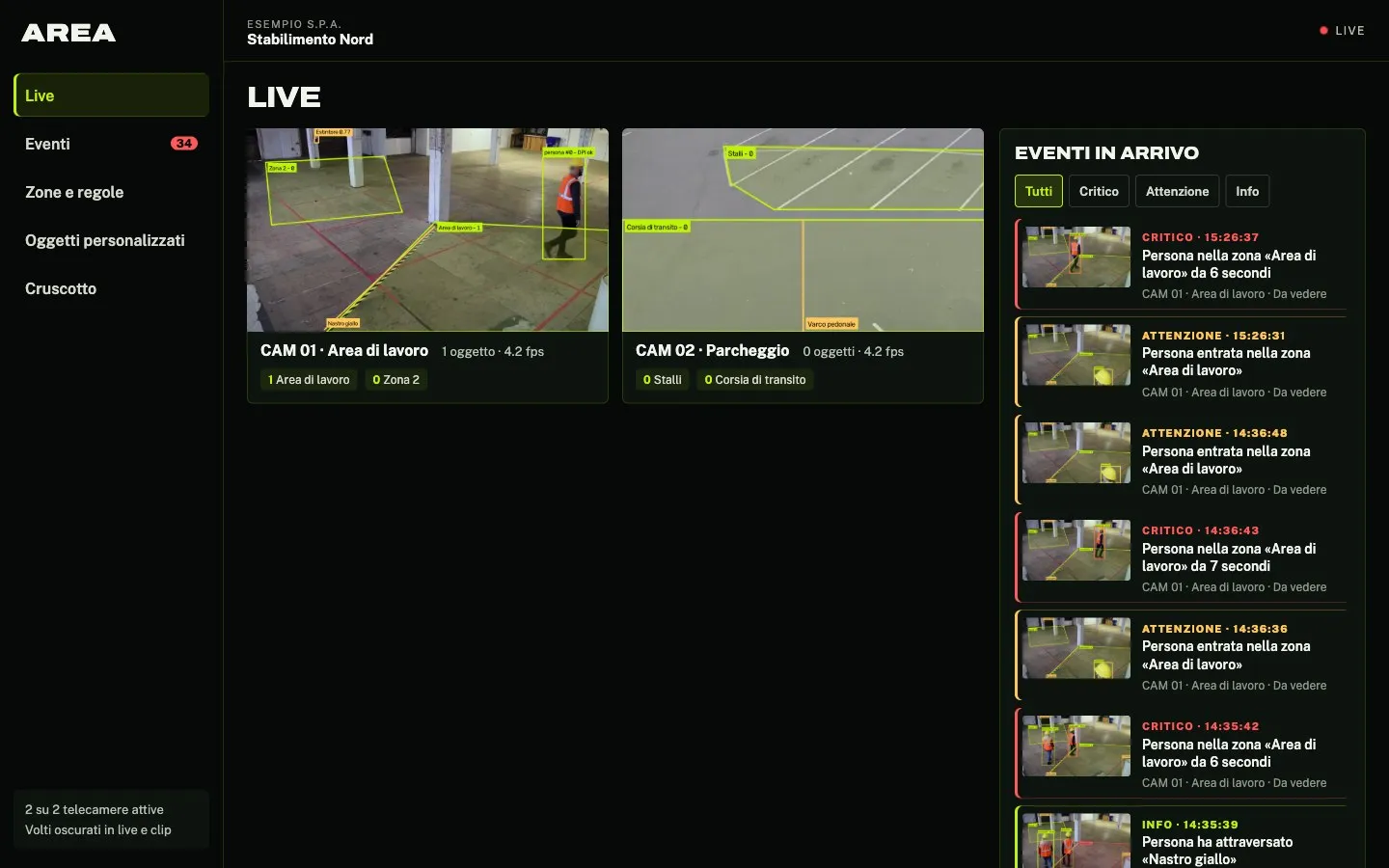
AREA is easy-to-use video analytics software: it works with the cameras you already have and needs no technical skills.
- VideoRTSP, HLS or mp4
- Zones per videomore than one
- Object types80
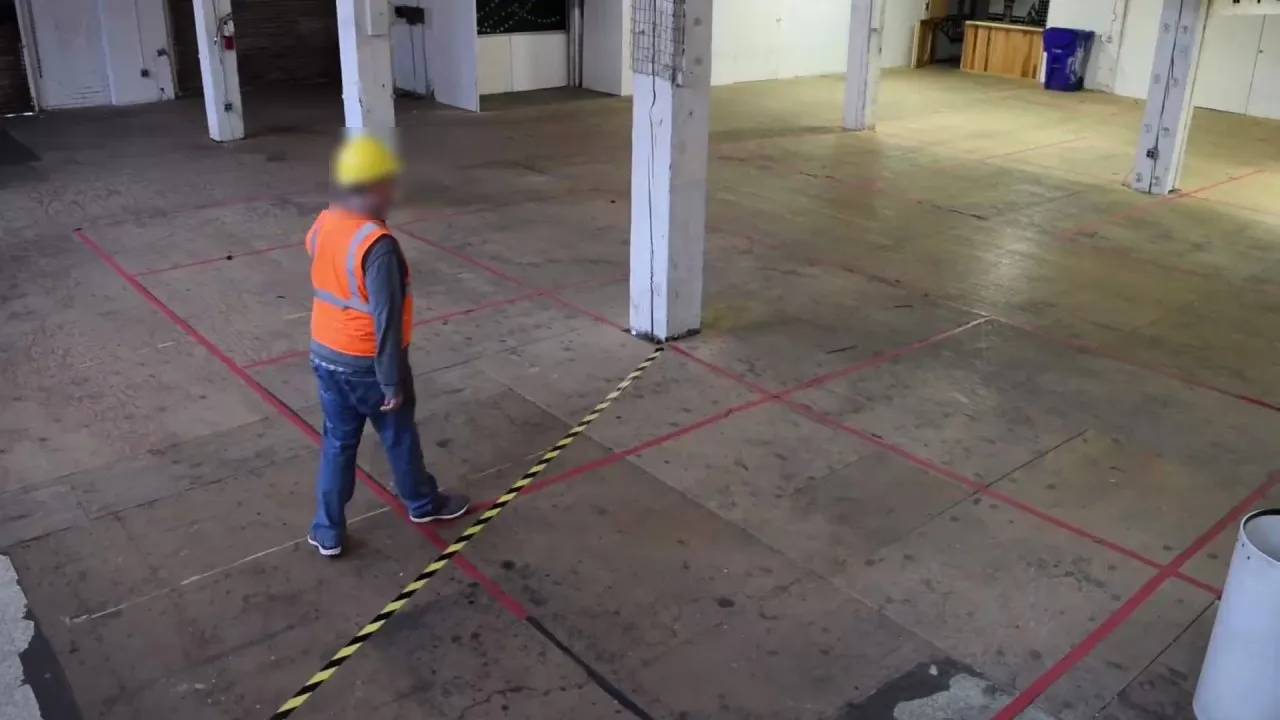
Real frame analysed by AREA · Sample video: Intel, CC BY 4.0
In short
AREA analyses videos with object detection in four steps: you connect a camera or a video, draw zones and lines, choose what to look for from 80 object types or describe it in words, and set the rules. The software frames the objects, follows them and creates an event with a photo and a clip when a rule is triggered.
How does AREA analyse a video?
From camera view to alert, every video goes through four phases. To understand the technology behind it, read what object detection is.
Image acquisition
The process starts from the stream of your IP cameras, over RTSP or HLS, or from a recorded video file. AREA analyses up to 8 frames per second per camera.
Object recognition
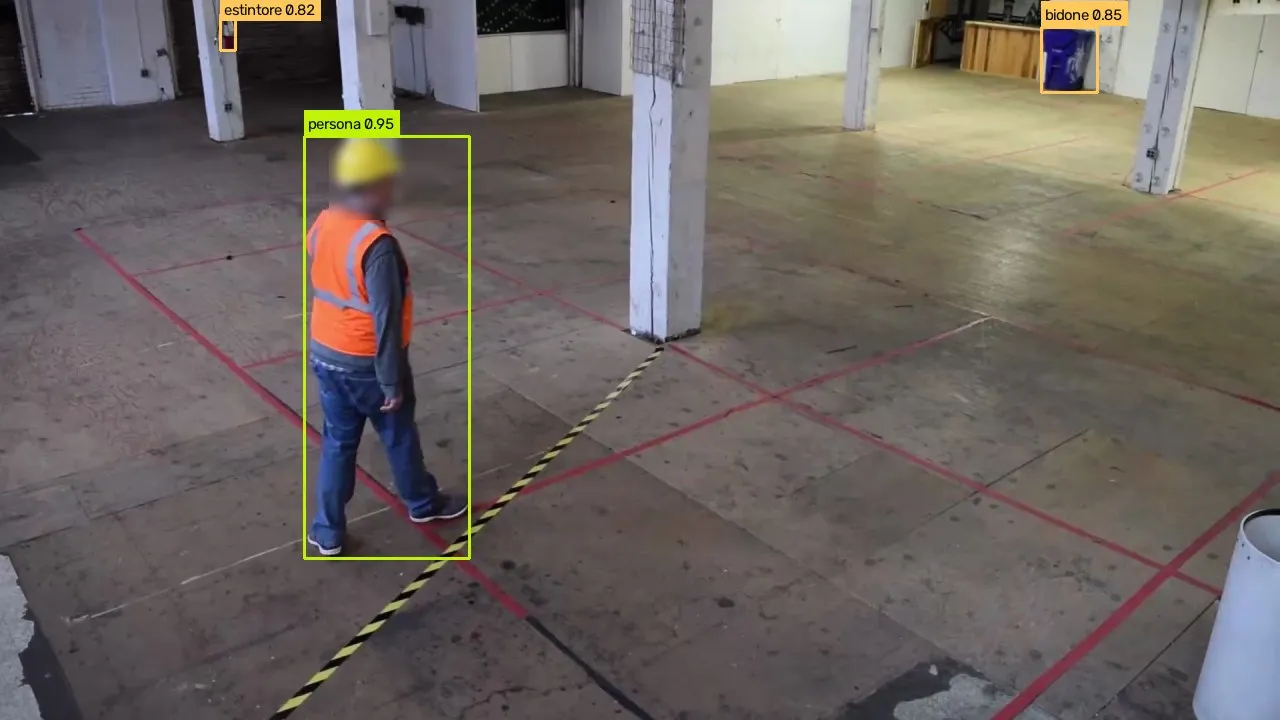
An object detection neural network recognises and classifies the objects in every frame: people, vehicles, animals and the rest of the 80 standard types. Objects described in words are found by a second, open-vocabulary model.
Object localisation
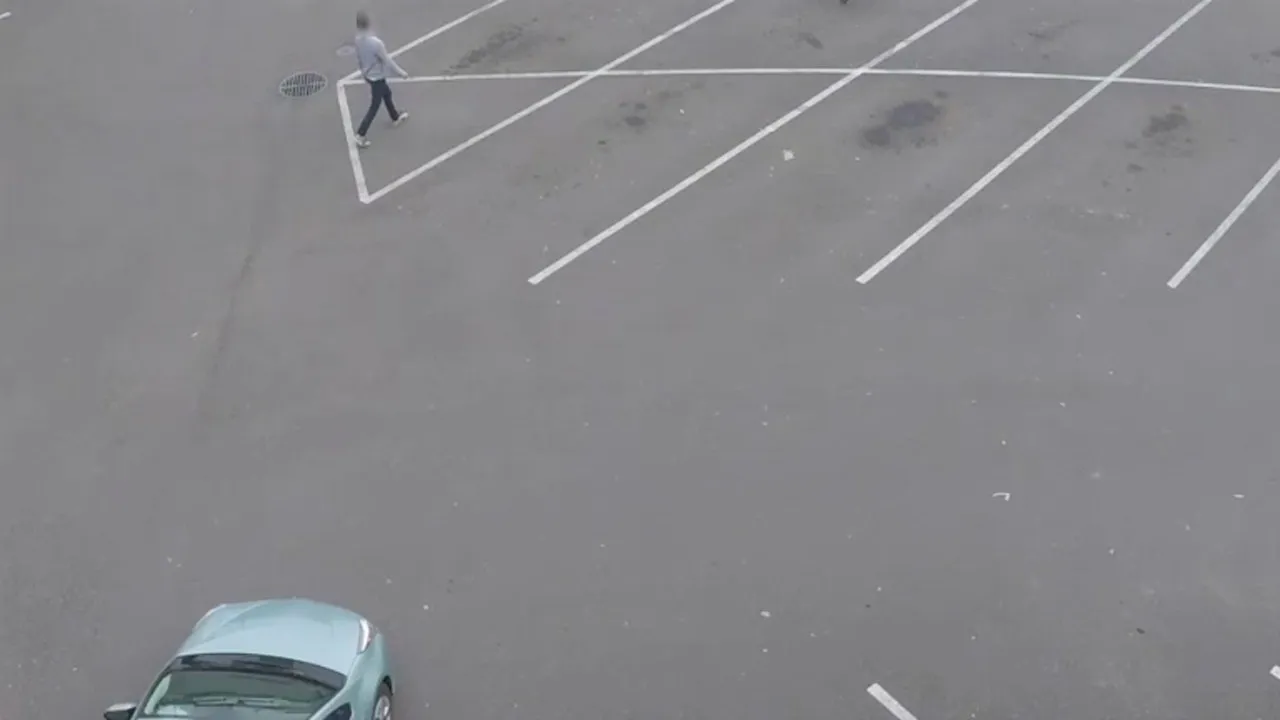
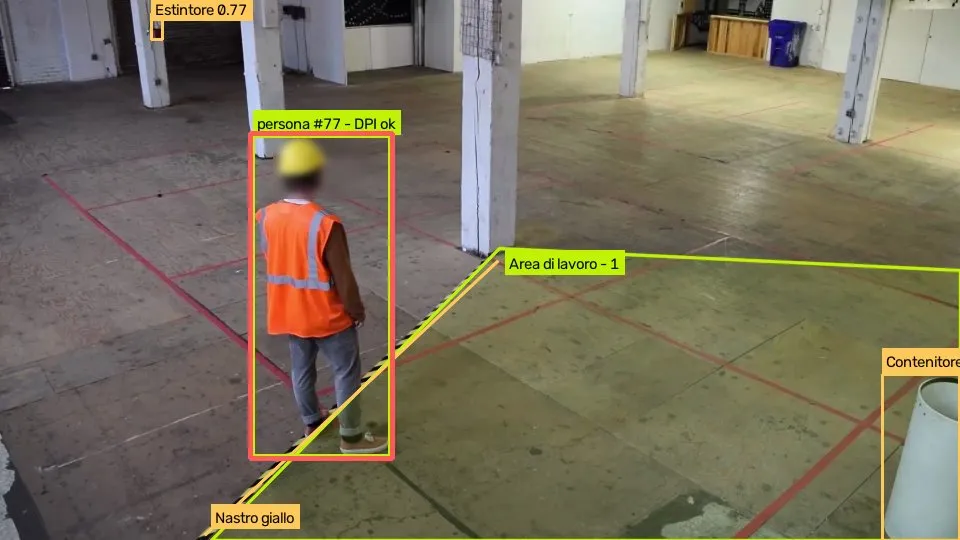
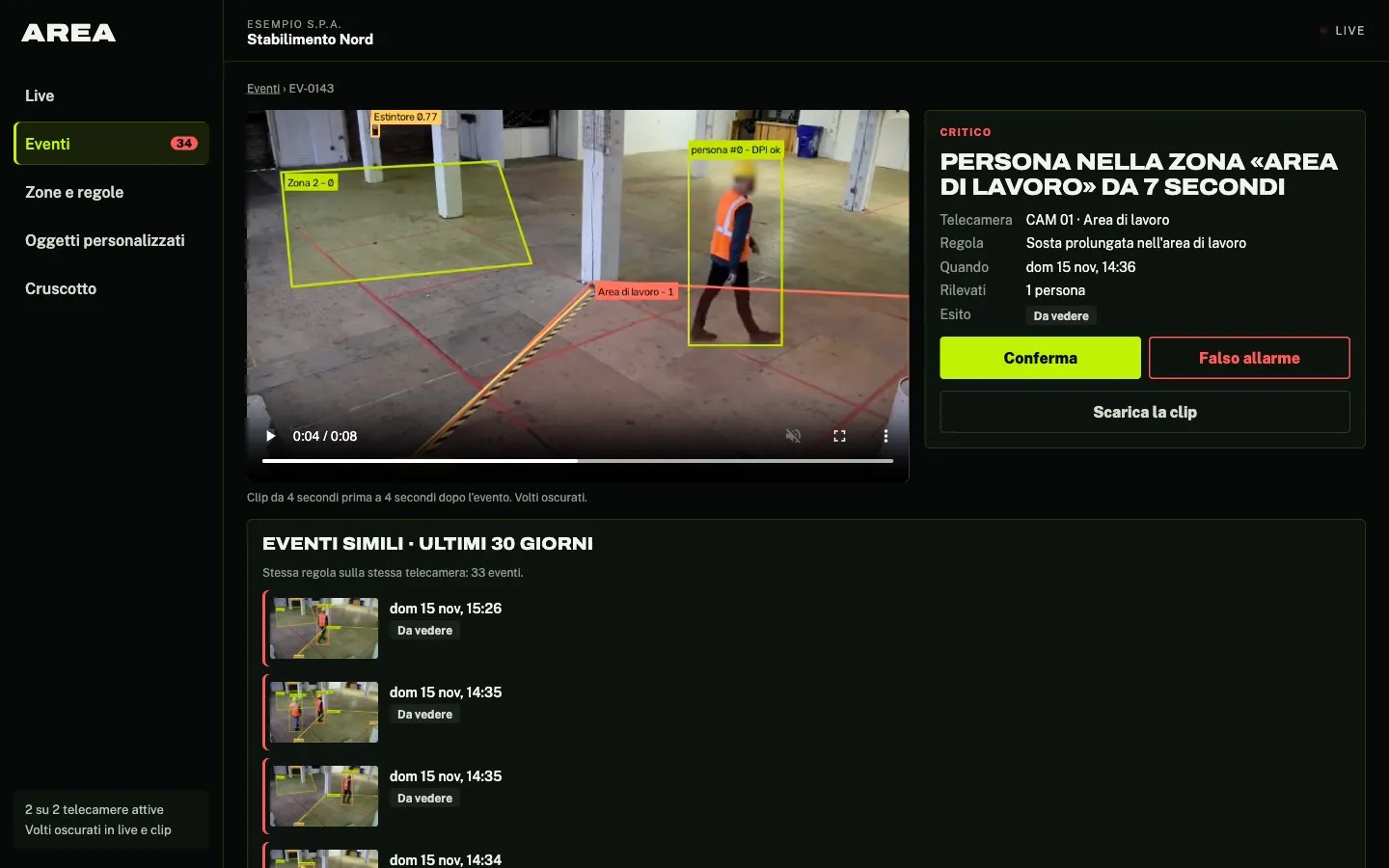
AREA draws a box around each object and follows it from one frame to the next: that is how it knows how long it has been in a zone, whether it has stopped, or whether it has crossed a line and in which direction.
Detection output
When a rule is triggered, AREA creates an event with a photo and an 8-second clip, 4 seconds before and 4 after, with faces blurred. The event reaches the panel straight away, where it is confirmed or marked as a false alarm.
Want to know more? Contact our team.
Contact usWhat steps does it take to start a detection?
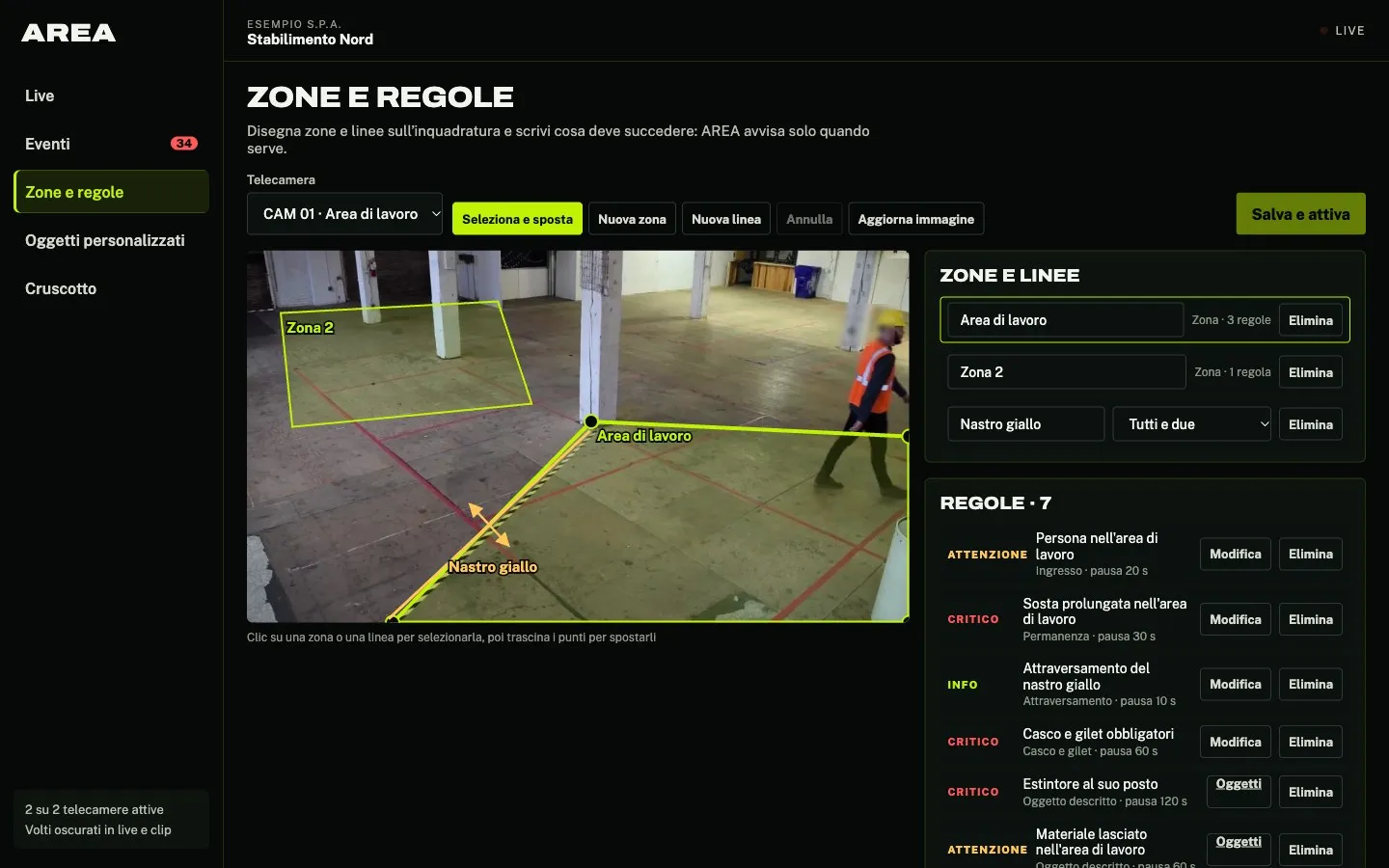
Four steps, all from the panel. On each view you can draw several zones and lines, each with its own rules.
Connect the camera (RTSP or HLS) or a recorded video
Draw zones and lines on the view and name each one
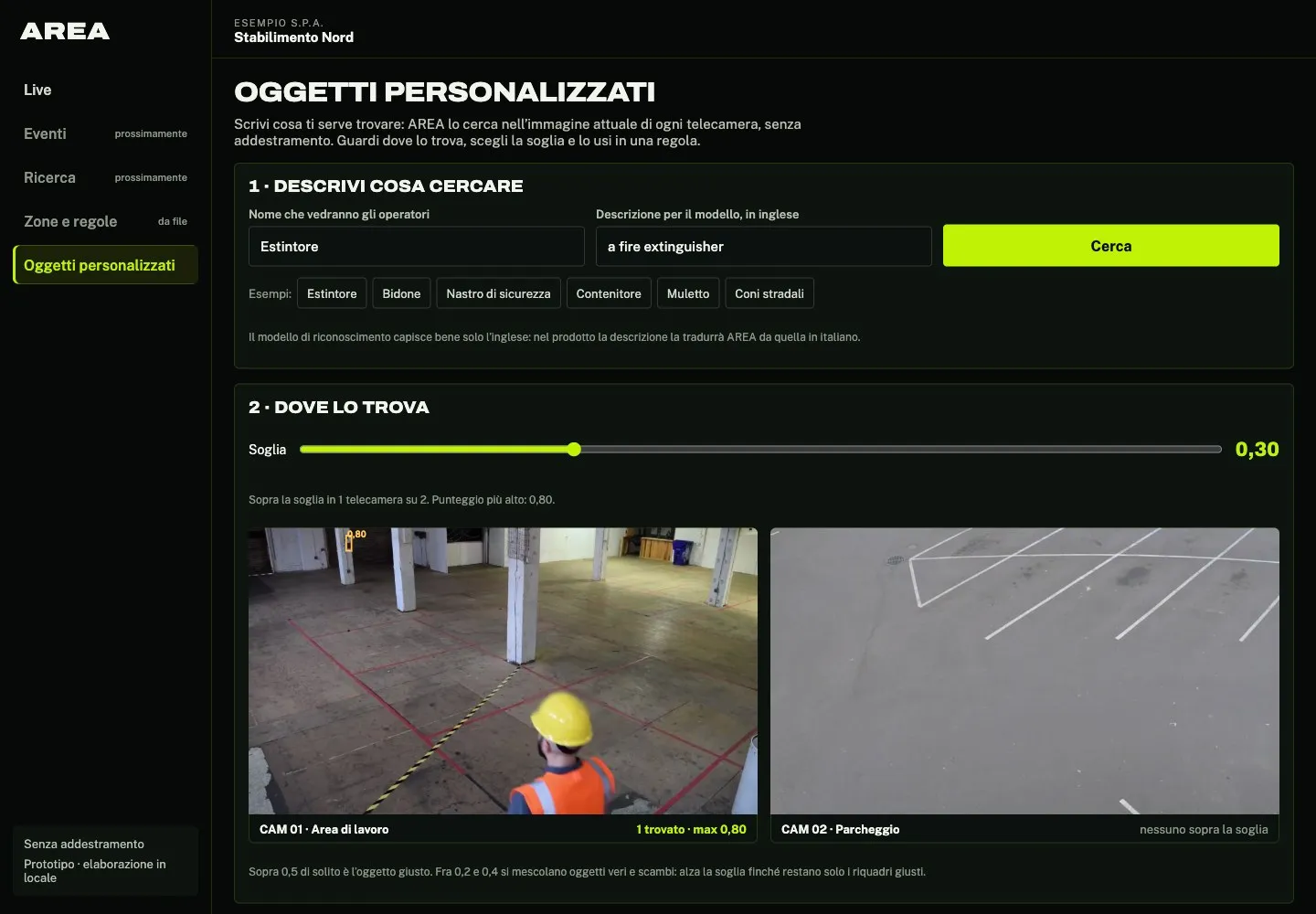
Choose what to watch: from the 80 object types, or by describing what you need in words
Set the rules and start the analysis
Which objects can AREA recognise?
AREA recognises 80 object types ready to use in rules, from people and vehicles to animals and everyday objects.
- People
- Everyday objects
- Vehicles
- Animals
- and much more
What if the object you’re looking for isn’t among the 80?
You describe it in words with AREA Custom: AREA looks for it in your cameras with no training. For harder objects we can assess together a model trained on your images.
Custom object recognitionWhat do you get at the end of the analysis?
For every event: the rule that triggered it, the camera, the time, a photo and an 8-second clip with faces blurred. Events reach the panel in real time and can be filtered by severity.
- An event for every rule triggered
- Real-time alerts in the panel
- Photos and clips with faces blurred
- Outcome: confirmed or false alarm
What are the benefits of automated video analysis?
AREA watches your camera footage for you and flags only what matters, with the evidence to decide.
Improved process automation
Identifying, classifying and tracking objects, automating tasks that were traditionally manual. Simplify your business processes, make them more efficient and reduce human error.
Making the most of under-used data
By integrating computer vision into its workflows, your company can capitalise on the data from video streams to make informed decisions, forecast and improve the customer experience.
Enhanced security and surveillance
The event arrives as it happens, with a photo and a clip: whoever has to act knows straight away where and why.
Where is AREA used?
The same four phases, applied to video from different sectors.
Industrial manufacturing
- Hard hats and vests required
- People in danger zones
Security and surveillance
- People detection
- Unauthorised activity
- Lingering
- Entries into protected zones
Agriculture and livestock
- Animals outside the pen
- Livestock counts in an area
- People and vehicles in work areas
Smart city
- Pedestrians at crossings
- Vehicles stopped where they should not be
- People and vehicle counts
Transport
- Vehicles stopped on the carriageway
- People in restricted areas
- Vehicles in car parks
Frequently asked questions
AREA’s answers to your questions.
Which videos can AREA analyse?
Live streams from IP cameras, over RTSP or HLS, and recorded videos. Any source that streams in one of these formats will do.
Can you monitor several zones in the same video?
Yes. In every video you draw one or more sections with a click, name each one and choose which objects to detect in each. This way one camera can monitor, for example, an entrance and a car park with different rules.
How many object types does AREA recognise?
80 predefined object types, to choose in each rule. Objects not on the list are described in words with AREA Custom, with no training.
Does AREA work in real time?
Yes. On live streams it analyses the images as they arrive and shows the event in the panel as soon as a rule is triggered. On recorded videos it runs the same analysis afterwards.
Can the results be exported?
Every event has a photo and a clip to download. Exporting data in other formats and linking to other systems are assessed project by project.
Do you need technical skills to use AREA?
No. You connect the camera, draw zones and lines, choose what to watch and set the rules, all from the panel.
What do you want AREA to see for you?
Have any questions? Contact us and we’ll get back to you as soon as possible!
Or email us at info@neurally.it or call us on +39 0532 1717097.